Introduction – Merchant Venky and multi-payments
Imagine this scenario:
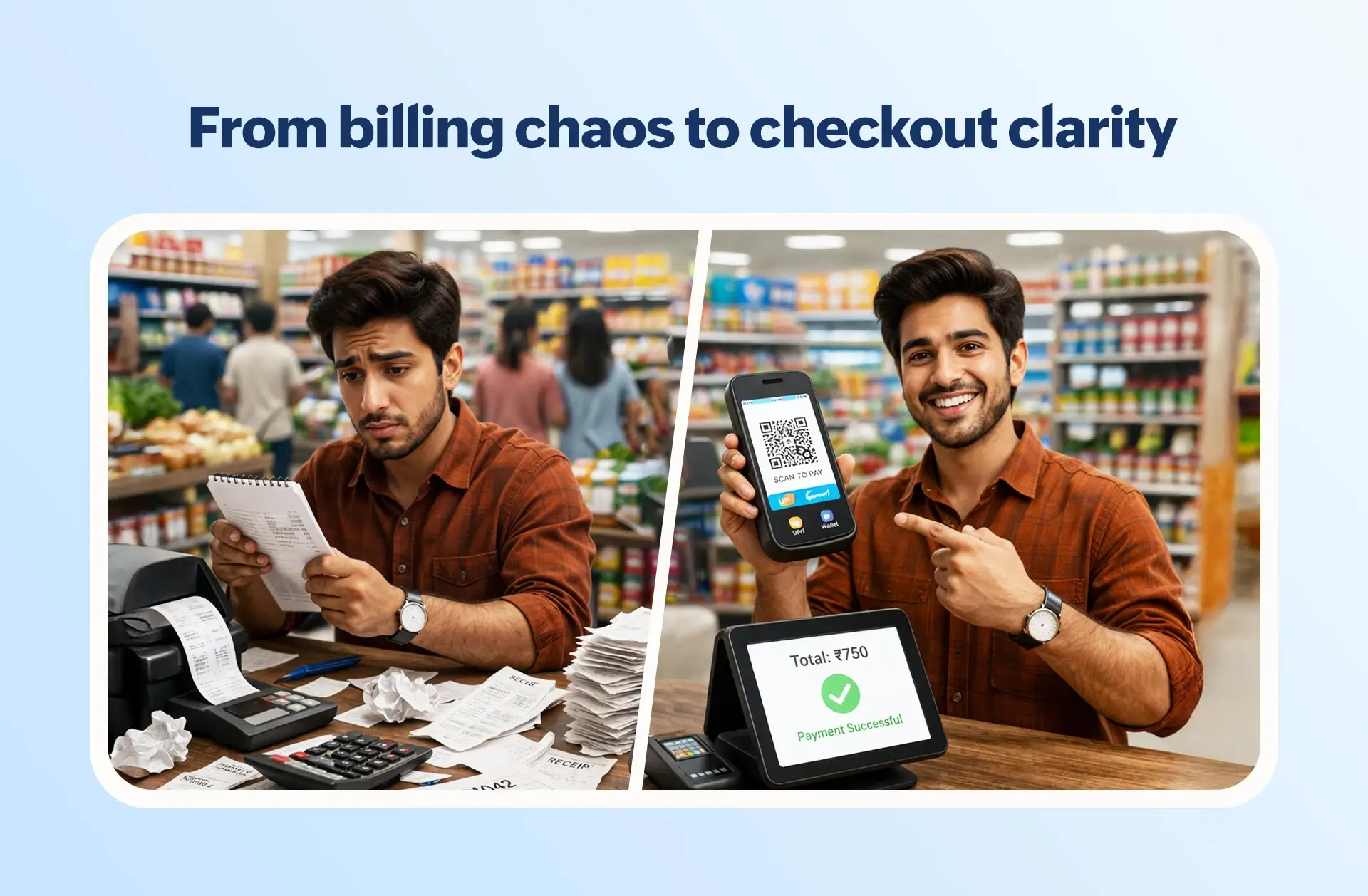
Venky, a busy merchant, stood behind the counter trying to juggle the rush at his retail store all by himself. He had a notepad in one hand, and a pen behind his ear. He had customers at the counter, in line; staff calling out prices; someone needing change; and someone waiting for a bill.
For years, Venky has had this same daily routine.
The store's billing and inventory management were all done by hand, leaving room for numerous errors, and simply being inefficient. Taking a guess at the day’s sales, he would deal with waiting costs, possible fraud, and out of sync inventory.
It was at that moment Venky’s friend Gopi, who was a bit more comfortable with technology, came in, took a look at the hassle, and told him:
“Venky, it is time you switched to billing software.”
Venky waited and thought about his expanding business before implementing a modern retail POS system. He has begun to experience benefits like increased speed of billing and ease in tracking inventory. He slowly began to feel less stress and improved his daily routine. Almost as if the pen behind his ear got to rest.
However, Venky was not aware that another digital transformation was happening.
Customers were suddenly saying comments like:
“Can I scan and pay?”
“Do you have UPI?”
“I’ll pay by card.”
Then, to Venky’s surprise, a customer paid by scanning a QR code.
Venky once again was confused.
“No cash? No card? Just camera?”
Again, Gopi was there to save the day and explain the new cashless payment system: UPI and digital wallets.
Customers were suddenly able to send money by scanning a QR code.
It was instant, seamless, and highly secure.
Venky came to a crucial realization: in order for his business to remain competitive and customer-friendly, it had to implement payment systems that accepted UPI and cards, as well as cash, at that moment.
What exactly is billing software with UPI, card & cash?
Venky’s first worry was simple:
“After all this digitization, do I need to change my system again to accept cashless payments?”
Some of his own research and Gopi’s suggestions put him at ease.
He found out that his billing software has features and integrations to accept, manage, and track different payment types, all in one billing process.
With a modern POS system, Venky could do a whole lot more:
- Create and manage bills.
- Accept UPI, card, and cash payments.
- Handle split payments seamlessly.
- Automate transaction recordings.
- Create accurate reports.
And the best part?
All of this was done with the click of a button, in one single interface.
No more switching between devices. No more Venky-style data entry. No more accounting hassles.
How billing software handles UPI, card & cash: A step-by-step flow
Despite grasping the concept, Venky was curious:
“What does this look like on the counter?”
Venky called Gopi and inquired:
“What button do I press?”
Gopi described the process to him:
1) Scan the items
Venky scans each item, and the POS does the math and includes tax in the total.
2) Choose a payment method
Venky questions the customer by saying, “Cash, card, or UPI?” and selects the payment method in the software.
3) System response
For UPI payments, a dynamic QR code appears on the customer screen.
For card payments, the POS sends the specified amount to the card machine.
4) Customer payment
Once the customer fulfills the payment, the software monitors the bank server to know whether the payment was successful.
5) Automatic invoice printing
As soon as the bank server sends a payment confirmation, the invoice prints without any input from Venky; the software automatically does this.
Understanding split payments in practice
A customer came in one day and purchased an expensive mixer grinder for ₹5,000. She had cash of ₹1,200 and the rest she wanted to pay through UPI. Old Venky would have panicked and scratched his head with his pen.
New Venky just typed ₹1,200 in the “Cash” field and the software automatically calculated the rest (₹3,800) and created a QR code for that amount. This Split Payment feature means Venky will never lose a sale due to a customer having an insufficient balance in one payment method.
What happens on the backend? (This is where the real magic is)
During Venky's sessions, there are automatic transaction recordings, as each transaction is assigned a unique transaction ID. These monitor where the cash is in the drawer and what is left to settle with the bank. Once the day is over, the bottom button is pressed and the digital sales are compiled and compared to the amount in cash. With the new systems, cash is never missing so the question of where 500 Rs here and 500 Rs there went is never asked since every transaction is recorded.
Benefits of using billing software with multiple payment modes
Venky quickly realized how big the transformation was:
- Faster billing & checkout
Queues reduced. Customers moved faster. Peak hours became manageable. - Zero Venky-made calculation errors
Everything was automated, leaving no room for mistakes. - Smooth customer experiences
Customers loved the flexibility of choosing how to pay. - Faster settlements
Daily collections and settlements became clear and transparent. - Clear financial reporting
Venky finally had real-time visibility into his sales and collections.
Challenges with traditional billing methods (without software)
Looking back, Venky realized how difficult things were earlier:
- Venky-made billing calculations
- Confusing cash handling
- Separate UPI apps and card machines
- Tedious day-end closing
- Frequent billing mistakes
All this not only wasted time but also affected customer trust and business growth.
How Gofrugal simplifies UPI, card & cash billing
Venky specifically chose Gofrugal for his business, following Gopi's input.
With Gofrugal’s billing and POS software, everything became simple, fast, and reliable.
- Unified billing interface
One clean screen for all billing and payments. - Built-in UPI & card integrations
Seamless integrations with leading payment gateways for fast, secure payments. - Smart split payment handling
Accept multiple payment modes in one bill. - Automatic reconciliation & settlement reports
One-click day-end reports, settlement summaries, and audit-ready data. - Secure & compliant transactions
Every payment is encrypted, traceable, and compliant, keeping Venky’s business safe.
Why businesses prefer Gofrugal for multi-payment billing
Retailers like Venky choose Gofrugal because it offers 100% accuracy with 0% supervision. It’s built for the "busy merchant" who doesn't have time to be an IT expert. The automation ensures that even if Venky isn't at the shop, his staff can't make mistakes or manipulate records.
Business use cases: Where multi-payment billing becomes critical
Venky saw how this system fit perfectly across industries:
Anywhere speed, accuracy, and customer experience matter, multi-payment billing becomes essential.
Conclusion – Venky’s transformation
Venky’s pen has finally found its permanent home, not behind his ear, but in his pocket. He spends his evenings sipping tea with Gopi instead of sweating over tally marks.
His billing counter runs smoothly. Customers move faster. Payments flow effortlessly—whether by UPI, card, or cash.
What once felt complicated is now simple, automated, and stress-free.
Venky’s journey reflects the reality of modern businesses. Billing today isn’t just about collecting money; it’s about delivering speed, convenience, and trust. And with the right billing software, that transformation becomes easy, practical, and powerful.