How to eliminate inventory errors caused by manual stock entry or outdated processes
Manual stock handling leads to mismatches, reconciliation delays, and costly shrinkage. Switch to digital tools that ensure accuracy at every step, from inwarding and audits to stock updates, and take full control of your inventory operations.
Download Gofrugal POS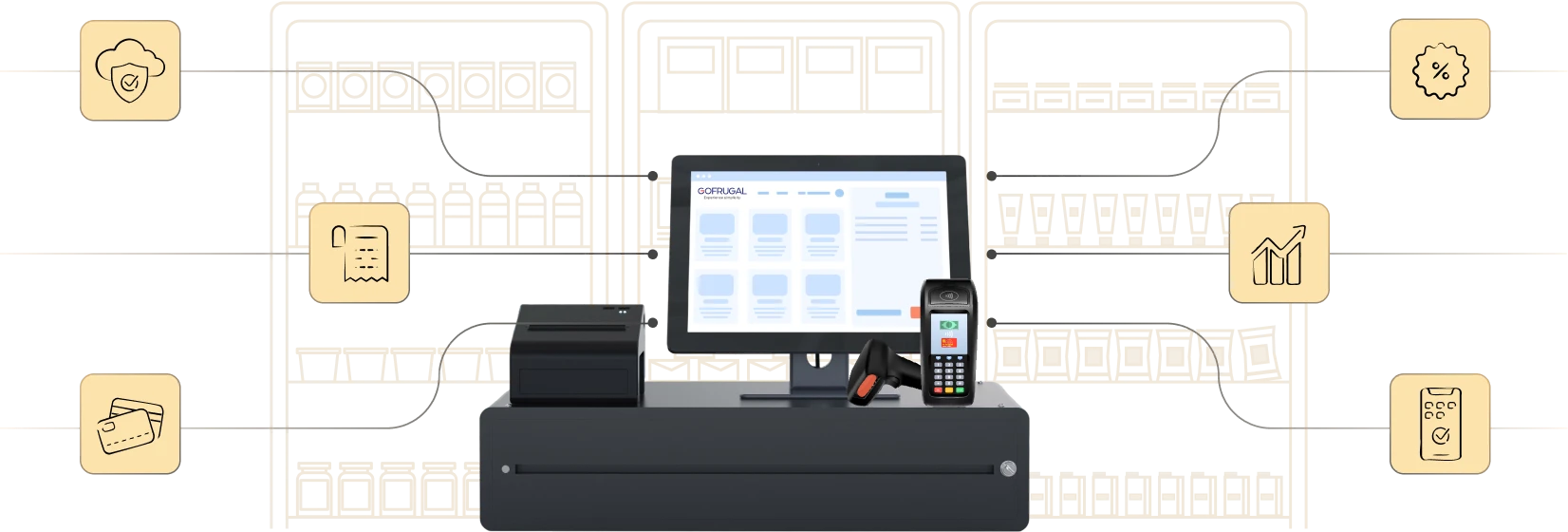
Highly rated and trusted by customers!








Key features
Key takeaways:
- Inventory accuracy is essential to avoid revenue loss, stock mismatches, and customer dissatisfaction.
- Move away from spreadsheets and manual stock entries to digital tools that ensure consistency and reduce errors.
- Gofrugal enables retailers with mobile-based inventory operations, real-time data sync, barcode scanning, and role-based controls in a single platform.
Top inventory errors in retail today
Manual stock handling and outdated tools silently create chaos in your inventory. From mismatches to missed sales, here are the most common issues retailers face.
- Missed or incorrect stock entries
Without barcode scanning or system checks, inwarded stock often has wrong quantities, duplicate SKUs, or missing items leading to billing mismatches and losses. - Delayed stock reconciliation
A lack of real-time tracking and mobile audits causes frequent mismatches between physical and system stock, resulting in shrinkage and emergency corrections. - Expiry and damage tracking gaps
Without digital tracking, expired or damaged items may remain on shelves or get billed, hurting customer trust and compliance.
7 ways to eliminate stock errors caused by manual processes
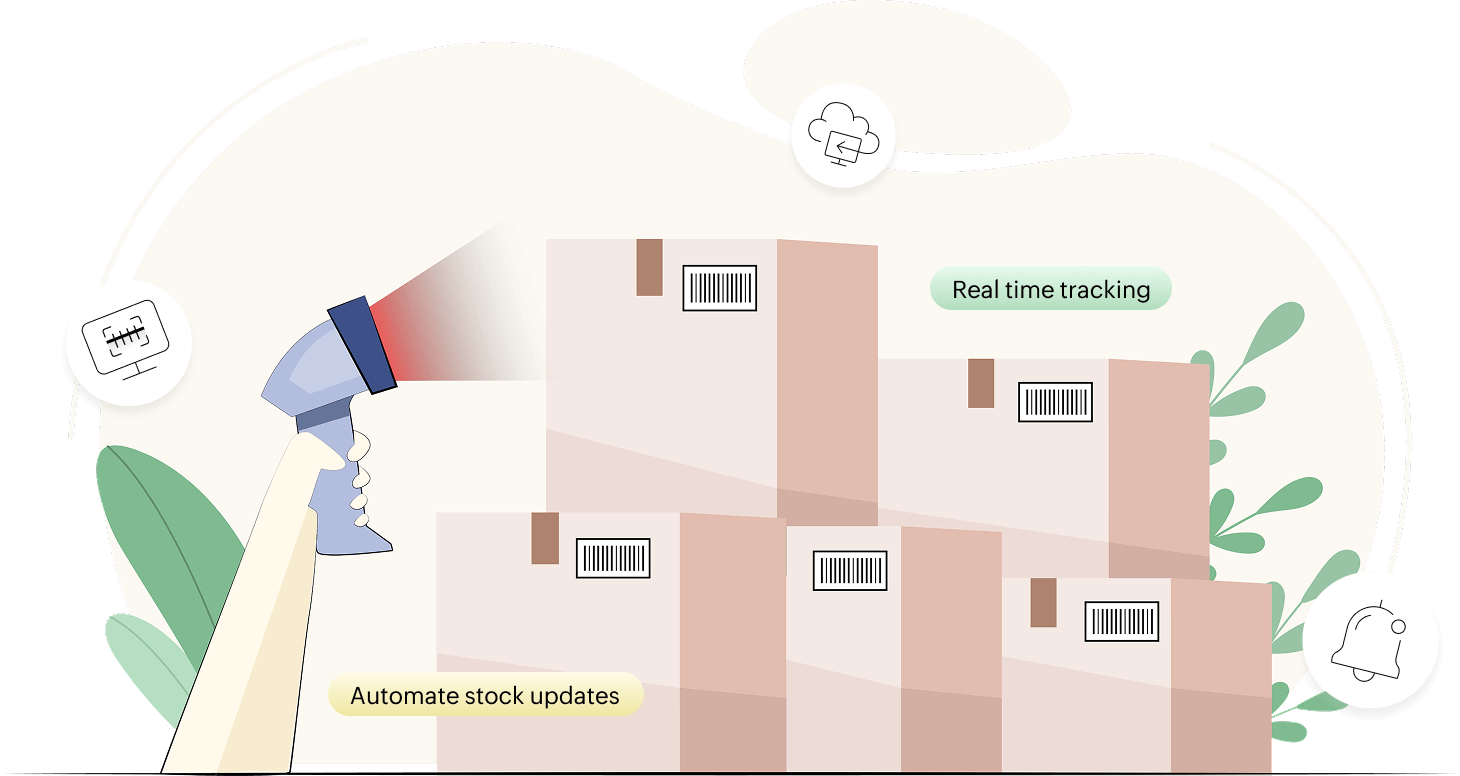
Manual stock handling may seem manageable at first, but it often leads to hidden losses, frustrated staff, and customer complaints. Here’s how you can bring control, accuracy, and efficiency to your inventory operations.
1. Digitize stock inwarding with barcode scanning
- Scan barcodes during inwarding to auto-capture item details and quantities accurately.
- Avoid duplicate entries and SKU mismatches with system validation.
- Save time and reduce manual dependency during purchase and warehouse inwarding.
2. Use mobile apps for stock audits and adjustments
- Conduct physical stock checks anytime using mobile inventory apps.
- Instantly compare physical stock vs. system stock and raise discrepancies.
- Approve adjustments digitally with role-based controls and audit trails.
3. Automate stock updates from purchase orders
- Auto-update inventory as soon as goods are inwarded against an approved PO.
- Eliminate the need to re-enter items, batches, and quantities.
- Improve speed, accuracy, and supplier accountability.
4. Implement role-based access for inventory tasks
- Restrict who can add, adjust, or delete stock entries.
- Assign approval roles for high-impact actions like returns or write-offs.
- Get a clear audit trail of who did what and when.
5. Enable real-time inventory sync across systems
- Ensure live stock syncs between a POS, back office, and online platforms.
- Track exact stock availability across locations in real time.
- Avoid duplicate billing or missed orders due to outdated data.
6. Track damages and expiry digitally
- Record expiration dates, damage status, and reasons at the batch level.
- Get alerts before expiry and segregate damaged stock automatically.
- Prevent billing of unsellable items and maintain compliance.
7. Use alerts and validations to catch errors early
- Get system alerts for missing POs, unusual stock movement, or duplicate SKUs.
- Validate quantity and price against the PO during inwarding.
- Flag exceptions instantly to prevent downstream issues.
How Gofrugal helps eliminate inventory errors
Gofrugal is an ERP software designed for retail, restaurant, and distribution businesses to run their operations with unmatched speed, accuracy, and control. Gofrugal helps eliminate stock mismatches and manual entry errors with powerful digital tools, built-in validations, and mobile convenience so you can manage inventory confidently, every day.
- Centralized inventory control: Maintain a unified item master for all outlets and channels.
- Automated stock updates: Convert approved POs directly into stock entries without manual rework.
- Mobile stock audits: Count and reconcile inventory anytime with real-time updates.
- Built-in validations & alerts: Catch duplicate SKUs, missing POs, or mismatches instantly.
- Batch & expiry tracking: Ensure compliance and prevent billing of expired or damaged items.
Frequently asked questions
Why are manual processes prone to inventory errors?
Manual processes rely on human input, which increases the risk of typos, missed entries, and inconsistent records, especially during inwarding, stock counts, or adjustments.
How can automation help reduce stock errors?
Automation eliminates the need for repetitive data entry and standardizes stock operations. It ensures accuracy by validating entries, auto-updating stock from POs, and flagging discrepancies in real time.
What’s the best way to track inventory in real time?
Using cloud-based inventory software with mobile access and real-time sync ensures stock levels are always up to date across counters, stores, and channels.
Do barcode scanners really help avoid miscounts?
Yes, barcode scanners capture item details instantly and accurately, removing guesswork and manual errors during inwarding, billing, and audits.
How often should I conduct cycle counts?
Frequent cycle counts daily, weekly, or monthly, based on item value and movement, help catch discrepancies early and reduce reliance on year-end stocktakes.
What’s the difference between manual vs. automated inventory tracking?
Manual tracking involves spreadsheets or paper-based methods, which are slower and error-prone. Automated tracking uses software, mobile apps, and validations to ensure faster, more accurate inventory control.
How do I choose inventory software to reduce errors?
Look for software with features like barcode support, mobile audits, role-based access, real-time sync, and built-in validations. It should also offer easy integration with your POS and purchasing systems. Check out Gofrugal's free trial to experience this and make better decisions.