How to Manage Inventory Across Multiple Location Outlets in Real Time?
Get complete control over stock movement, your item master, and purchases across all your stores and stop overstocking, waste, and stockouts for good.
Download Gofrugal POS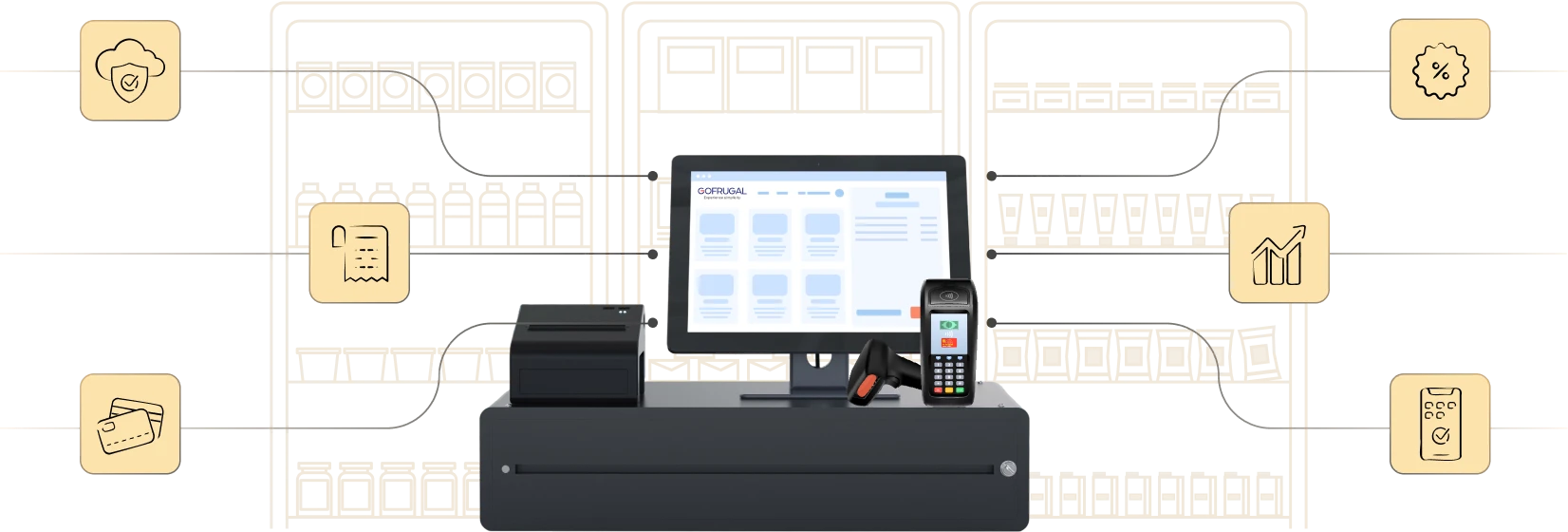
Highly rated and trusted by customers!







Key features
Key takeaways:
- Modern retail chains need real-time inventory control to avoid waste, reduce capital blocks, and serve customers without delays.
- Track stock levels, replenish smartly, and reduce dead stock with centralized inventory and purchase management.
- Gofrugal empowers retail businesses with live inventory visibility, a centralized item master, smart replenishment, mobile insights, and outlet-to-outlet stock transfers, all in one system.
Top inventory management challenges in multi-outlet retail
Retail chains struggle to maintain inventory accuracy and agility across outlets. Here are the biggest challenges that impact performance and profits.
- Inconsistent item masters across stores
Without a centralized item master, product names, UOMs, barcodes, and tax details vary by outlet, leading to billing errors, duplicate SKUs, and daily reconciliation struggles. - Overstocking and blocked working capital
When stock isn’t monitored in real time, some stores over order and others go dry. This locks up capital in dead stock, leads to waste, and reduces profitability. - Lack of visibility into daily inventory health
Most retailers don’t track key inventory metrics like stock cover, fill rate, or non-moving items. This limits timely decisions and results in missed sales or unnecessary purchases.
7 proven ways to manage inventory across outlets efficiently
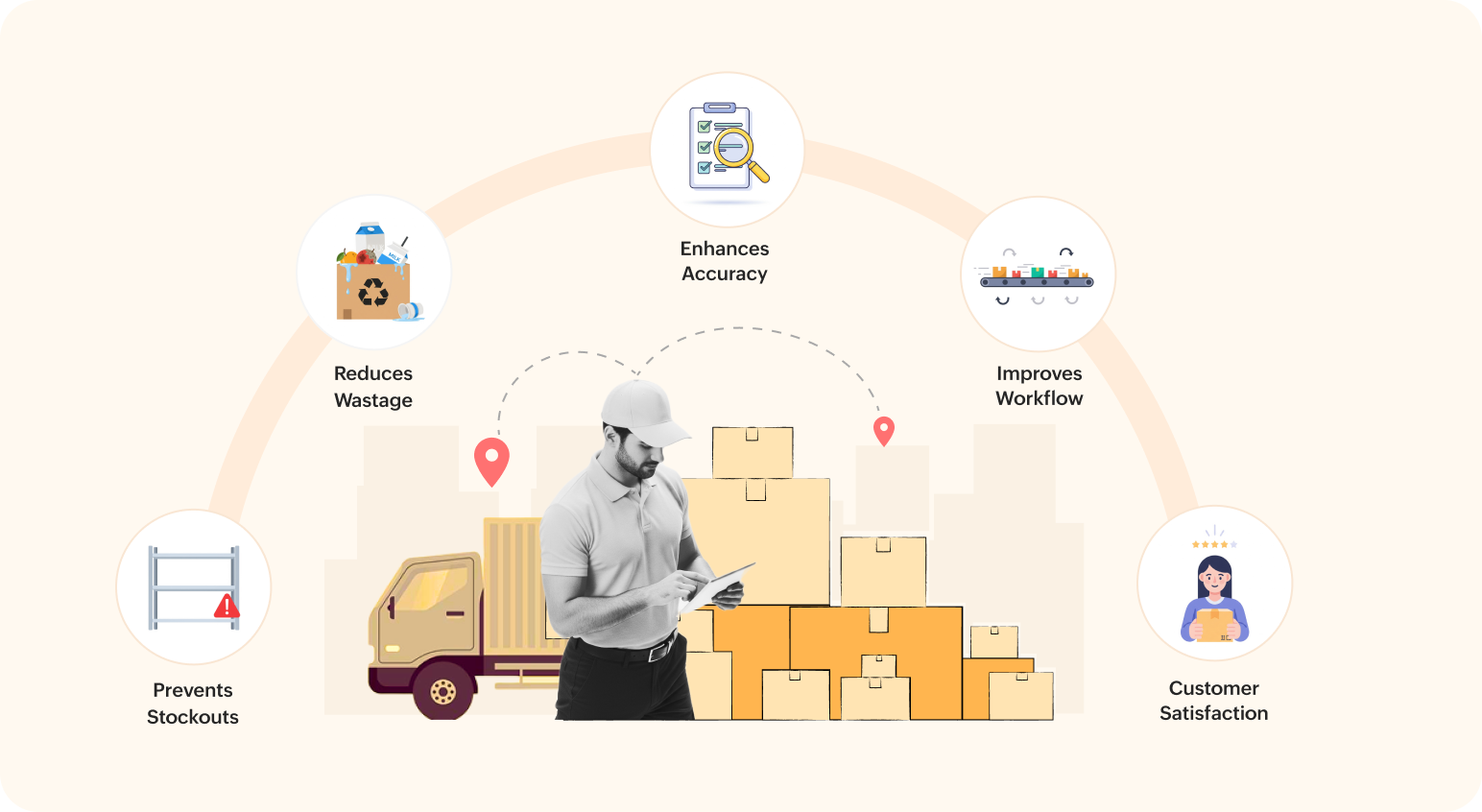
Real-time inventory control is key to avoiding overstocking, reducing waste, and ensuring every outlet has what it needs to serve customers. Here are seven proven ways retail chains can manage stock efficiently across all locations without manual effort.
1. Maintain a centralized and clean item master
- Create A single source of truth for SKUs for accurate inventory and billing.
- Define barcodes, UOMs, pricing, and GST in one place, and sync it across all stores.
- Eliminate duplications, mismatches, and daily manual reconciliation across outlets.
2. Prevent overstocking with real-time stock visibility
- Eliminate excess stock that ties up working capital and creates dead stock that eats into profits.
- Monitor stock levels across all stores from a central dashboard to spot excess and shortages.
- Transfer inventory between stores before buying new stock, saving money and space.
3. Track daily inventory health with key metrics
- Retailers often miss timely action due to a lack of inventory insights.
- Monitor KPIs like stock cover days, fill rate percents, non-moving stock value, and order lead times.
- These metrics help prevent both stockouts and overstocking with data-driven decisions.
4. Automate replenishment to avoid stockouts
- Manual reordering leads to delays, errors, or missed purchases.
- Set outlet-wise reorder points based on sales trends and inventory movement.
- Let the system suggest optimal purchase or transfer quantities for each store.
5. Balance centralized and decentralized purchases
- Not all purchases should follow the same model across outlets.
- Centralize procurement for standard, high-volume SKUs to improve pricing and vendor terms.
- Allow decentralized buying for fast-moving or regional items with proper approval controls.
6. Plan stock transfers with system-driven recommendations
- Manual transfers often result in miscommunication and errors.
- Let the system identify which outlet has excess and which one needs replenishment.
- Save costs by redistributing stock before raising new purchase orders.
7. Use mobile apps for on-the-go inventory control
- Store owners and managers often need to act even when away from outlets, which makes mobile apps absolutely necessary.
- Approve stock transfers, view low-stock alerts, or track near-expiry items from mobile apps.
- Know what is happening in your inventory and make approvals and purchases even while traveling.
How Gofrugal helps retailers manage inventory efficiently across outlets
Gofrugal is an ERP software designed for retail, restaurant, and distribution businesses to run their operations with unmatched speed, accuracy, and control.
Inventory mismanagement drains revenue, blocks capital, and creates chaos across outlets. Gofrugal offers simple, powerful tools to fix these challenges, quickly and at scale.
- Centralized item master and purchase control
Create, sync, and manage all SKUs, pricing, and tax centrally. Raise centralized POs and maintain consistency across every store.
- Real-time stock visibility and alerts
Track stock levels, dead stock, and near-expiry items across outlets. Act instantly with real-time alerts to prevent waste and stockouts.
- Smart replenishment and transfer recommendations
Get system-suggested reorders and inter-store transfers based on actual sales and stock movement, no more guesswork or overbuying.
- Mobile-first stock operations
Use mobile apps for stock audits, approvals, and inventory tracking. Manage inventory accurately, even on the move.
- Easy return handling and omnichannel sync
Process outlet returns smoothly and sync inventory across online and offline channels. Deliver a consistent brand experience everywhere.
Overview of multi-inventory software
1. How can I sync inventory across all retail outlets in real time?
With Gofrugal’s cloud-based HQ solution, every sale, stock inward, or transfer is instantly reflected across all your stores. This real-time sync ensures your inventory data stays accurate, helping you make faster and more informed decisions without relying on manual updates.
2. What tools help manage stock for multi-location retail stores?
Gofrugal offers a complete toolkit for multi-location inventory management:
- HQ control panel for centralized visibility and control
- GoSure mobile app for effortless stock counting, inward, and transfers
- WhatsNow for real-time outlet-wise insights
- Item-wise security settings to define store-specific rules like stock limits and reorder levels
3. How does centralized inventory reduce stockouts and overstocking?
Centralized inventory helps you plan smarter. You can set individual reorder levels for each store, view surplus stock across outlets, and transfer items internally before making new purchases, ensuring you avoid both excess stock and missed sales.
4. Can I track inventory transfers between stores?
Yes. Gofrugal enables seamless stock transfers between outlets and warehouses with full traceability. Every transaction is auto-recorded, and stock levels are instantly adjusted at both ends, no spreadsheets or manual reconciliation needed.
5. How does Gofrugal POS support multi-location inventory management?
Gofrugal POS is built for retail chains. It centralizes inventory, pricing, and stock controls across outlets, supports barcode-based inwarding, batch and expiry tracking, and even handles repacking and wastage management at warehouses. You can define store-wise rules and manage everything from one place, even on the go.