How to manage high volume billing and reduce queues during peak shopping hours
Service your customers faster than ever, even during peak shopping hours. Learn how to control the crowd during peak hours and service high-volume billing seamlessly.
Try our best billing software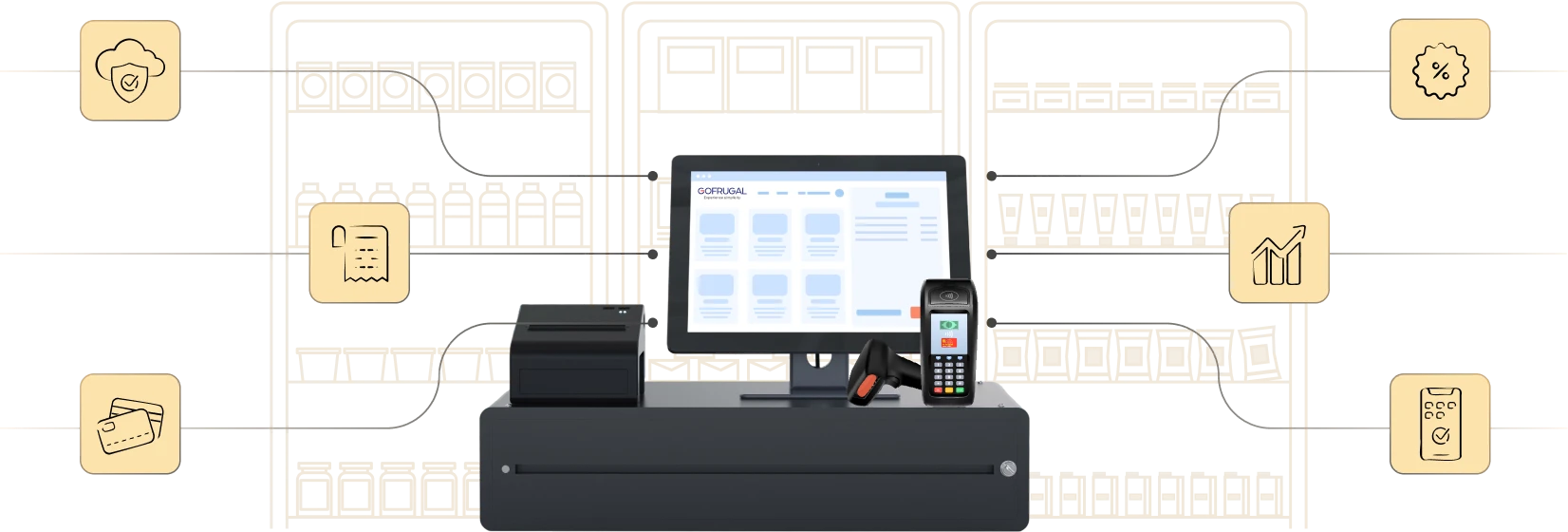
Highly rated and trusted by customers!








Key features
Key takeaways
- How to deliver a frictionless experience to your customers during peak shopping hours to differentiate your brand
- Ready-to-implement tips for managing checkout operations during peak shopping hours
- How a proven ERP can simplify the peak-hour headache with minimal staff and without compromising customer experiences
Challenges in managing peak hours
Eve of festivals, late evening top-up shopping, the salary week's monthly shopping, all of them create a happy problem for your business: the checkout crowd. This crowd results in various operational problems like:
- Long queues and slow checkouts become a perfect recipe for lost sales.
- Overburdened staff are forced to multi-task, increasing the risk of billing errors.
- Tired, restless customers may shift from loyal customers to unhappy customers.
Benefits of using billing software for high transaction volume
- A faster billing process reduces checkout time, helping businesses serve more customers efficiently and avoid long queues during peak hours.
- Automated calculations ensure accurate pricing and tax handling, minimizing billing errors and improving overall transaction reliability.
- Real-time reporting and insights provide clear visibility into sales and peak-hour trends, enabling quicker and better business decisions.
- Scalable systems handle increasing transaction loads seamlessly, making it easier to manage festive rush, weekends, and business growth.
- Integrated payment and inventory management keep stock and transactions in sync, improving operational efficiency and reducing manual effort.
With solutions like Gofrugal, businesses can manage high transaction volumes with better speed, accuracy, and control.
3 tips to improve the peak-hour shopping experience
Just like your brand experience circles around your customers, here are three key areas revolving around your customer's journey to improve your busy hours.
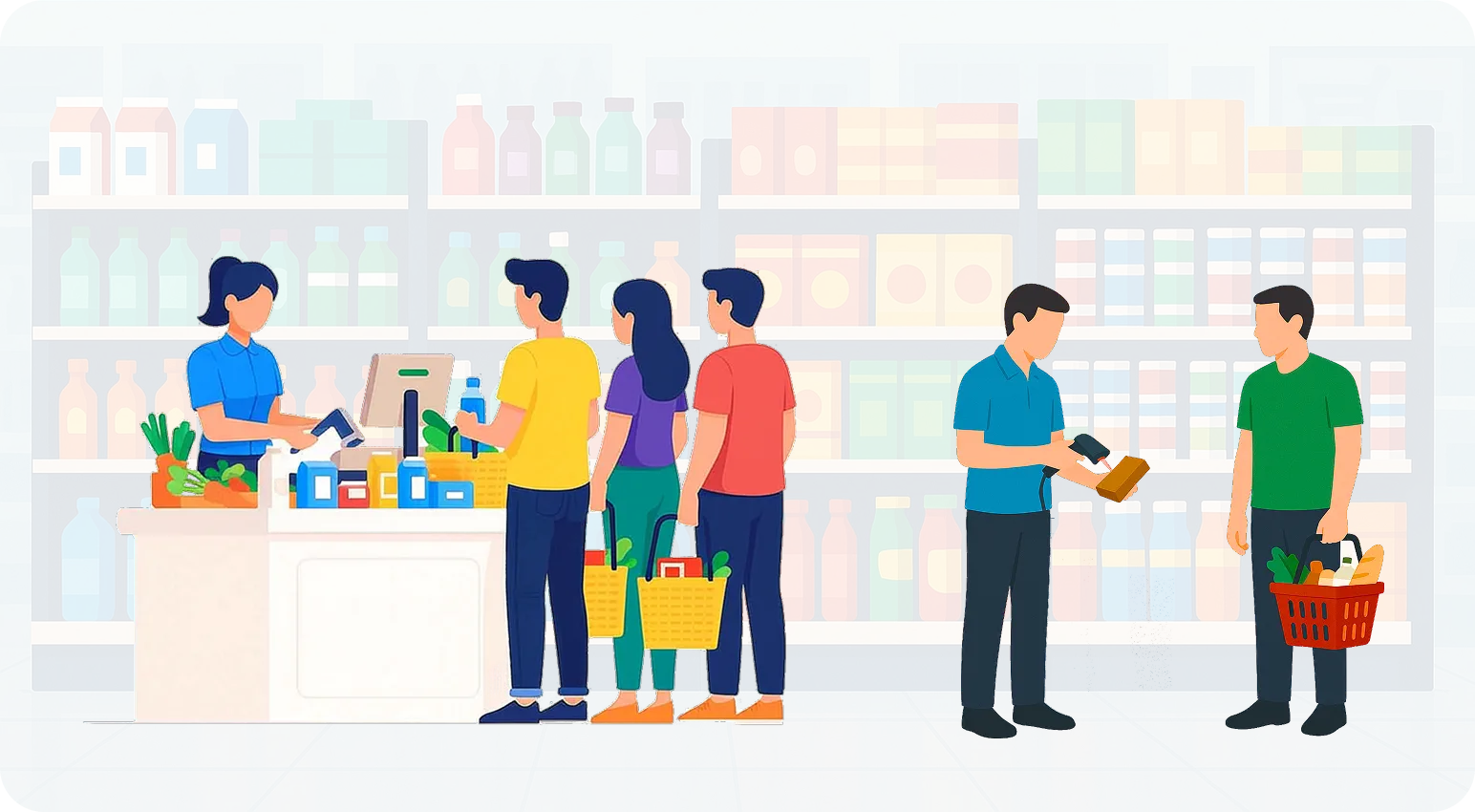
1. Before the customer walks in
Prevention is better than cure, they say. Managing peak-hour chaos begins long before your customer steps into the store. Streamlining your merchandising, product arrangement, and store layout helps distribute traffic and reduce pressure on your billing counter.
- Organizing store layout for flow: Define a one-way customer flow with separate entry and exit points. Ensure the checkout counter is placed in front of a wide aisle in the store. Crowded entrances are a huge put-off for impulsive shoppers to enter your store
- Bundling fast moving products as combos: High-demand products can be packed together, like shampoo and conditioner, diapers and wet wipes, bread and spreads. Not just that, placing them in the right areas and packaging them so they're easier to carry eases the experience even more.
- Pre-pack loose items: Depending on the customer buying behavior, pre-weigh and package loose products like grains, spices, and baked goods in labeled wrappers. For products that need to be loose, like fruits and vegetables, implement a weighing scale-based barcoding system for hassle-free shopping.
2. When the customer is in-store
This is where peak-hour stress becomes most visible. A right plan for systems, staff, and setup ensures customers leave happy.
- Setup express counters: Customers with less than five products in their cart or impulsive shoppers looking to pick up a few items quickly can have separate counters to skip the long queues with larger orders.
- Barcode every product batch-wise: Keep the system fool-proof, reducing the load for staff to type an item, choose the batch, select the price, and apply offers. By using a batch-wise barcoding method, every product can be scanned and moved to the cart—no keyboard, no mouse, just a display and barcode to complete the checkout.
- Simplify payment collection: Accept all possible payment modes such as UPI, cash, cards, coupons, and loyalty redemption with integrated POS systems. This reduces checkout time and avoids delays that come while checking faulty transaction modes. Moreover, it lowers the chances of malpractice and incorrect entries by the billing staff. Having a separate billing counter and payment collection counter also moves queue traffic effectively.
3. After the customer leaves the store
Looking beyond the counter, forward-thinking retailers are reducing peak-hour pressure by giving customers the right tools to plan their next trip better, skip queues, and personalize their shopping. These small innovations go a long way in preventing checkout bottlenecks.
- Enabling an online ordering system: Let customers place orders through your WhatsApp channels, your own ecommerce app or website, or through aggregators, from their home or while inside the store. This reduces time spent wandering the aisles, or can eliminate even walking into the store for shopping—a smaller crowd to handle but no loss in sales.
- Introduce quiet hour slots: Announce special offers during your lean business hours for customers to pre-book based on their convenient time. Especially for monthly shoppers, where it is not just a mundane task but a family getaway, these slots enable a peaceful experience for both you and customers.
- Re-imagine the delivery: After checkout, customers spend most of their time collecting their products, arranging them in their bags, and moving to their vehicles before they make way for others to enter. Once their bill is ready, provide an option for them to deliver their order to their home or for them to pick it up later. This gives ample time for your staff to pack and deliver it, letting that workforce handle other customer engagement activities during checkout.
In short, lowering operational complexity by simplifying processes, systems, and staff work reduces peak-hour stress holistically. All you have to do before fixing the issues behind your peak-hour sales is take a step back, analyze the root causes of it, and address those systematically. Or, you could just get help from a proven solution like Gofrugal ERP to address all your billing hassles and focus on growing the business.
Industries that deal with high transaction volumes
- Supermarkets and grocery stores handle continuous billing throughout the day, especially during evenings and weekends. With high customer footfall and bulk purchases, they require fast and accurate checkout systems to avoid long queues.
- Pharmacies and medical stores deal with urgent and frequent transactions where speed is critical. Customers expect quick service, making efficient billing essential to reduce waiting time and improve service quality.
- Retail chains and apparel stores process a large number of transactions across multiple counters and locations. Managing billing consistency and speed is important to handle peak shopping hours and seasonal sales.
- Quick service restaurants (QSRs) operate in fast-paced environments where orders are processed within seconds. During rush hours, efficient billing and order handling directly impact customer satisfaction and turnaround time.
- Electronics and mobile stores manage high-value transactions that require both speed and accuracy. Billing systems must handle product details, warranties, and offers without slowing down the checkout process.
Modern billing solutions like Gofrugal help these businesses manage high transaction volumes with faster checkout, better accuracy, and real-time visibility.
How Gofrugal can help you run high-volume billing smoothly during peak hours
Gofrugal is a cloud-based ERP solution designed to streamline operations such as billing, inventory, and accounting. It ensures GST compliance and elevates the customer experience through real-time invoicing and multi-channel delivery options.
- Smart merchandising:
Analyze the fast moving products and peak-hour sales patterns to arrange shelves and optimize the layout. Generate batch-wise barcodes for products and integrate weighing scale barcode devices directly to the ERP for hassle-free billing. Identify items that are bought together frequently and pre-pack combos and kits.Track the margin of each product sold under the combo and get control the profit from them. - Easy and fast billing:
Perform billing with less keystrokes. An efficient ERP system integrated with multiple payment modes, offer management configuration, and loyalty program can help. Easily configure mobile-based express counters to bill and issue receipts on the go. - Personalize the shopping experience:
Publish your own online ordering platform using Gofrugal's OrderEasy for customers to shop online, schedule their delivery times, scan the product details when they are in store, and pay through online gateways. Track customers' buying patterns to run personalized offers or send restock alerts about their favorite products to help them plan their next shopping trip efficiently.
Frequently Asked Questions
How can Gofrugal POS speed up billing during peak hours?
During peak shopping hours, speed is everything. Gofrugal’s high-volume billing POS is designed to handle intense billing traffic with ease. With lightning-fast barcode scanning, keyboard shortcuts, customizable bill templates, and support for offline billing, it ensures uninterrupted service—even during power or internet outages. The system is optimized to process transactions in just in clicks, reducing wait times and enhancing customer satisfaction.
Does the POS support multiple billing counters or lanes?
Absolutely! Gofrugal POS seamlessly supports multiple billing counters and lanes, making it ideal for supermarkets, apparel stores, and high-footfall retail outlets. Each counter operates independently but syncs in real-time with the central inventory and sales data. This helps you manage peak traffic efficiently without data mismatches or duplication.
Can I avoid long queues with Gofrugal’s billing system?
Yes, Gofrugal’s POS is built to eliminate long queues and customer frustration. With features like queue-busting mobile billing, self-checkout kiosks, and fast customer lookup, your staff can bill faster and smarter. The POS also integrates with digital payment gateways and loyalty systems, ensuring smooth checkout without delays.
How does Gofrugal ensure billing accuracy under high pressure?
Accuracy during rush hours is critical, and Gofrugal’s billing system delivers just that. With real-time inventory sync, user access controls, item validation, and role-based security, the POS prevents pricing errors and unauthorized changes. It also supports fiscal printers and audit logs to ensure every transaction is traceable and compliant.
What features help cashiers process more customers quickly?
Gofrugal POS comes loaded with smart features to speed up cashier productivity:
- Touchscreen & shortcut billing for faster item entry.
- Auto-filled frequent items based on past sales.
- Integrated weighing scales for faster grocery checkouts.
- Multi-mode payments (UPI, cards, wallets, cash) in one go.
- Offline billing for uninterrupted service.
With these powerful tools, your team can serve more customers in less time—even during the busiest hours of the day.
How do you manage your time effectively when dealing with a high volume of customers?
Retailers can manage high customer volumes by using fast billing systems, organized workflows, and staff coordination. A modern POS system helps speed up checkout, reduce manual work, and handle billing efficiently. Retail staff can also prioritize tasks, prepare frequently sold items in advance, and use automation to serve customers quickly.
What POS features help handle high transaction volume?
POS systems designed for high-volume businesses should include fast billing, barcode scanning, integrated digital payments, and real-time inventory updates. These features help process transactions quickly and reduce manual errors during busy hours. Multi-counter billing and cloud reporting also improve operational efficiency. Retail POS solutions like Gofrugal support high-speed billing to handle large transaction volumes smoothly.
How can I reduce long checkout queues in my store?
Retailers can reduce long checkout queues by using fast POS billing systems, barcode scanners, and multiple payment options such as UPI, cards, and digital wallets. Efficient staff workflows and additional checkout counters during peak hours also help speed up service. Faster billing improves customer satisfaction and prevents lost sales. Gofrugal POS helps streamline checkout processes and reduce customer waiting time.
How can businesses speed up checkout during peak hours?
Businesses can speed up checkout during peak hours by automating billing, enabling quick digital payments, and using barcode-based product scanning. A reliable POS system ensures transactions are processed quickly without delays. Real-time inventory updates also prevent billing errors. With solutions like Gofrugal POS, businesses can manage peak-hour transactions more efficiently.
How do businesses handle high transaction volume?
Businesses handle high transaction volumes by using modern POS software, automated billing processes, and integrated payment systems. These tools allow faster checkout, accurate transaction tracking, and real-time inventory updates. Efficient workflows and trained staff also help maintain speed during busy periods. Gofrugal POS helps businesses manage large numbers of transactions with greater accuracy and efficiency.
How do supermarkets manage peak customer traffic?
Supermarkets manage peak customer traffic by using high-speed POS systems, barcode scanning, multiple billing counters, and fast digital payment options. These tools ensure customers are served quickly even during rush hours. Real-time inventory tracking also helps maintain product availability. Retail platforms like Gofrugal POS help supermarkets process transactions efficiently during high customer traffic.
How do you manage multiple customer requests during peak hours?
During peak hours, retailers manage multiple customer requests by using efficient POS systems, trained staff, and queue management. Digital billing, barcode scanning, and automated inventory updates help reduce waiting time. Clear communication with customers and assigning staff to specific roles also ensures faster service and smoother store operations.