How to reduce inventory losses from expired, dead & unsold stocks?
Tackling inventory losses requires more than periodic stock audits; it needs real-time visibility, smarter reordering, and proactive shelf management. This guide shares effective strategies to streamline your inventory and protect your margins.
Access inventory management software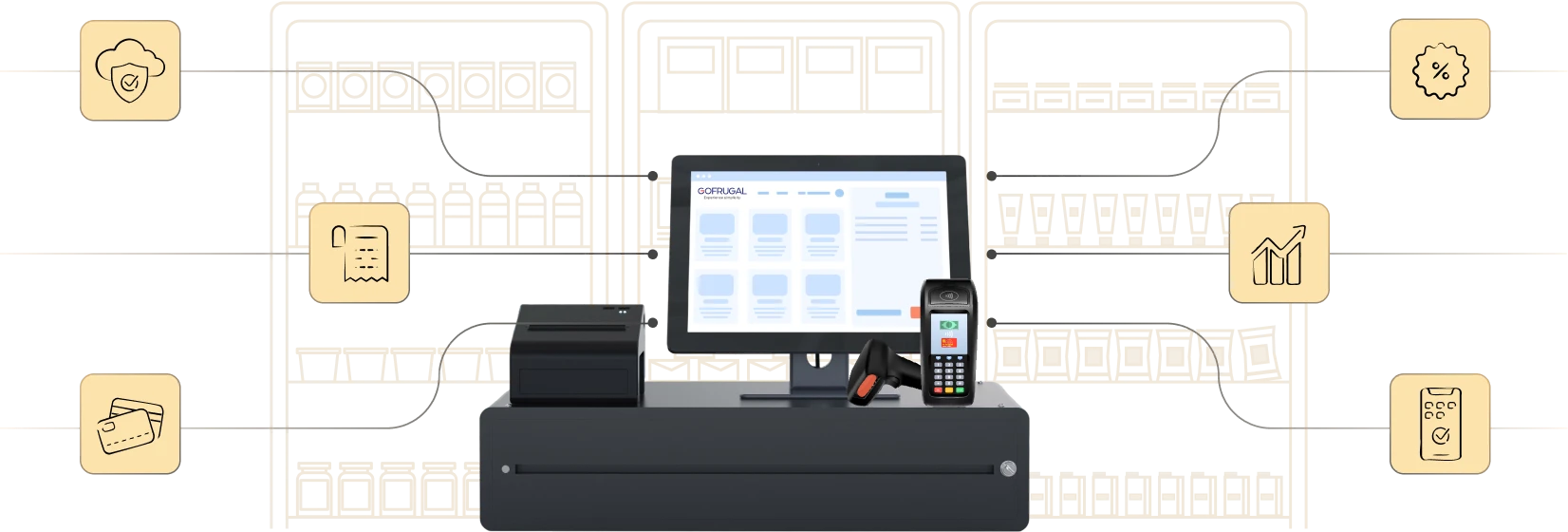
Highly rated and trusted by customers!








Key features
Key takeaways:
- Prevent stock waste with expiry alerts and real-time batch tracking to reduce product write-offs.
- Improve inventory efficiency using smart reordering, demand forecasting, and automated stock rotation across stores.
- Eliminate manual errors with mobile tools like GoSure for accurate audits, cycle counts, and live inventory updates.
Challenges that retailers face with inventory losses
- Lack of real-time inventory control and visibility: Manual spreadsheets prevent accurate stock tracking across counters, stores, and warehouses. This leads to expired products being sold, stock mismatches, and missed sales of fast-moving items.
- Inefficient planning, reordering, and clearance strategies: Stock is often reordered without analyzing demand, shelf life, or seasonal trends. Slow-moving goods pile up, while clearance actions come too late to recover value.
- Poor shelf-life and inventory aging management: Without FEFO (First Expired, First Out) billing, or expiry alerts, aging items stay unsold and silently expire. Retailers face write-offs, compliance issues, and revenue loss, especially in perishables and regulated goods.
10 best ways to reduce expired, dead, & unsold stock
1. Digitize end-to-end inventory management
Manual processes are slow, inaccurate, and expensive.
- Use retail ERP software or POS systems that automate procurement, sales, and stock movement.
- Enable mobile access for store managers to view inventory status, approve transfers, or trigger reorders on the go.
- Integrate billing, CRM, and purchasing with inventory to eliminate silos and increase agility.
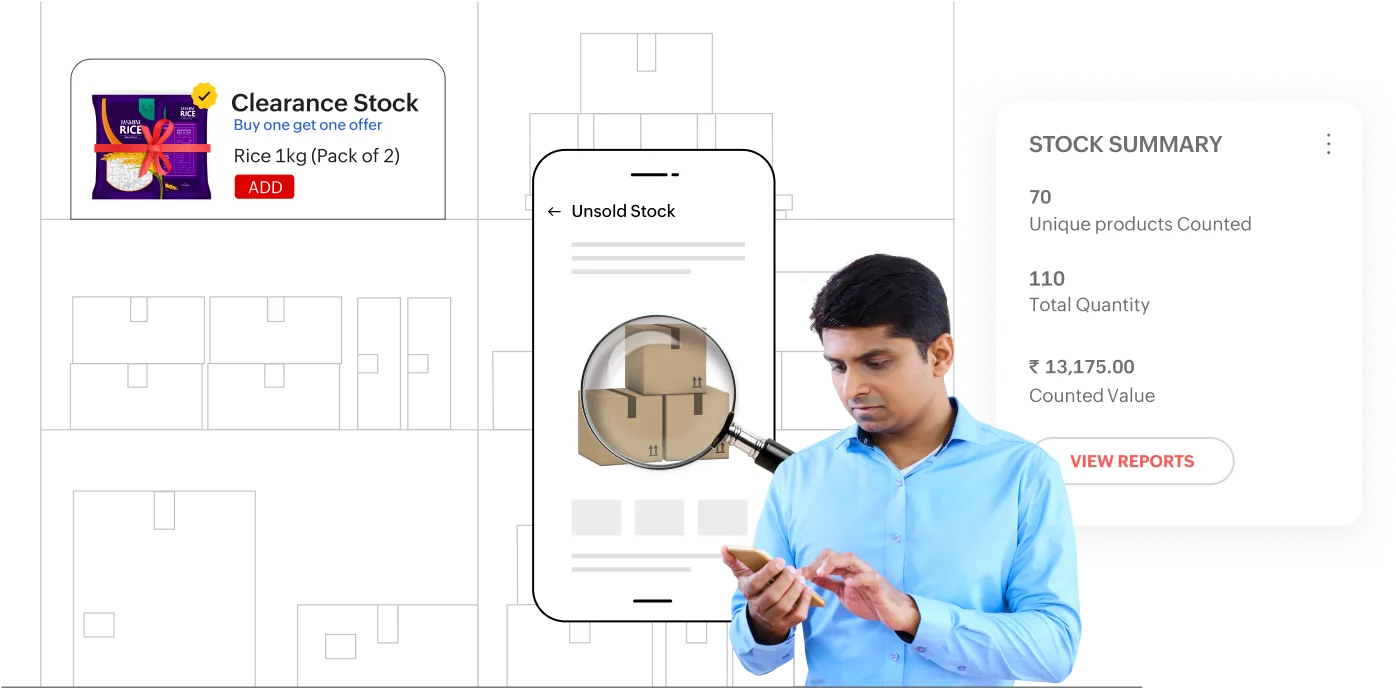
2. Identify and act on slow-moving items
Spot poor performers before they become dead weight.
- Run slow-moving item reports monthly or weekly to identify low-moving SKUs that haven't sold within a defined period.
- Apply the dead stock formula to quantify the value of unsellable stock:
Dead stock value = Total units unsold × Cost per unit - Set up auto-clearance workflows to apply discounts or suggest transfers to higher-demand locations.
- Stop reordering non-performers unless there's clear evidence of demand.
3. Implement expiry and batch tracking
Don’t let valuable inventory go to waste due to missed expiration dates.
- Follow FEFO to ensure the oldest stock is sold first, especially for perishables and regulated products like food, cosmetics, and medicines.
- Set expiry alerts to notify store teams in advance, allowing time to promote or clear near-expiry items.
- Tag and track items batch-wise from procurement to point-of-sale. This helps in faster recalls, better traceability, and precise shelf management.
4. Optimize stock reordering with smart tools
Avoid stockouts and overstocking with data-driven reordering.
- Configure minimum and maximum stock levels in your ERP system based on past consumption and supplier lead time and this ensures timely replenishment.
- Factor in shelf life when reordering—don’t just reorder fast; reorder what will actually sell before it expires.
- Avoid excess ordering of low-demand or seasonal products that can turn into dead stock if not planned for.
5. Forecast demand using historical and seasonal trends
Plan your purchases with confidence, not guesswork.
- Study historical sales trends to understand peak seasons, off-peak periods, and festival demands.
- Factor in external variables like weather, regional trends, or competitor activity for sharper forecasting.
- Adjust purchase plans proactively for location-specific patterns.
6. Launch targeted promotions based on inventory health
Promotions shouldn’t just boost revenue; they should fix stock problems too.
- Clear unsold or aging inventory through discounts and bundled offers before they become a liability.
- Run combo offers where slow-movers are paired with fast-selling items to increase offload.
- Adopt CRM tools to personalize promotions based on customer buying patterns and stock levels.
7. Enable auto stock rotation across stores
Move stock to where it actually sells.
- Use inventory intelligence to identify excess stock in certain locations and demand gaps in others.
- Automate inter-store transfers so products are available in the right place, at the right time.
- Reduce returns and waste by rotating unsold stock instead of writing it off or selling it at loss.
8. Use centralized inventory for omnichannel selling
Avoid stock duplication and delays with real-time, unified inventory control.
- Maintain a centralized inventory dashboard that updates stock levels across stores, warehouses, and online platforms in real time.
- Share excess stock between outlets to balance availability and avoid localized overstock.
- Enable unified fulfillment so online orders can be shipped from the nearest store with stock.
9. Conduct regular inventory audits with automation
Don’t wait for annual stocktaking to discover losses.
- Automate cycle counting to audit different sections of your store weekly or monthly.
- Use barcode-based mobile apps to make auditing fast, error-free, and instant.
- Compare system stock versus physical stock to identify theft, damage, or billing errors early.
10. Train staff on inventory best practices
Even the best systems fail without the right people using them correctly.
- Train staff on expiry tracking, batch handling, and FEFO practices so nothing slips through the cracks.
- Standardize inventory SOPs across purchase, storage, shelving, and returns.
- Encourage accountability through performance-linked rewards for stock accuracy.
How Gofrugal helps retailers prevent inventory losses
Gofrugal is an ERP software designed for retail, restaurant, and distribution businesses to run their operations with unmatched speed, accuracy, and control.
- Expiry & batch management at your fingertips:
Automatically track batch and expiration dates, ensuring FEFO compliance to reduce waste. Receive timely alerts on near-expiry items to prioritize sales or transfers. - Smart reordering system:
Set min-max reorder levels based on sales trends and shelf life to avoid overstocking. Automate replenishment with supplier lead times factored in for optimal stock flow. - Real-time inventory visibility across stores and channels:
Get centralized, live stock data across outlets and online platforms for balanced inventory. Enable quick stock transfers to high-demand stores to reduce dead stock risks. - Integrated promotions and CRM tools:
Launch targeted offers based on inventory status and customer buying patterns. Boost sales of slow-moving or near-expiry stock with combos and loyalty rewards. - Anytime, anywhere access with mobile apps:
Empower managers to update and monitor inventory remotely with real-time accuracy. Make faster decisions and approve critical actions on the go via mobile. - GoSure mobile inventory app for 100% stock accuracy:
Digitize stock audits, cycle counts, and inward/outward tracking using GoSure. Eliminate manual errors and ensure accurate inventory data in real time.
Frequently Asked Questions
How to reduce expiry stock in retail stores?
Retailers can reduce expiry stock by using inventory tracking and demand forecasting. POS inventory software helps monitor product expiry dates, send alerts for near-expiry items, and track slow-moving products. Retailers can also offer discounts, bundle offers, or promotions to sell products before they expire.
What is dead stock in retail inventory?
Dead stock refers to products that remain unsold for a long period and no longer generate revenue for the business. These items occupy valuable storage space and tie up working capital. Retailers must regularly monitor inventory to identify slow-moving products. Inventory solutions like Gofrugal help track stock movement and highlight items that are not selling.
How to reduce dead stock in retail stores?
Dead stock can be reduced by analysing sales data and inventory movement regularly. Retailers should identify slow-moving products early and take action through discounts, promotions, or stock transfers between branches. Smart inventory management software helps track product performance and prevents overstocking.
How do small retailers avoid overstocking products?
Small retailers can avoid overstocking by analyzing past sales trends, forecasting demand, and maintaining optimal stock levels. Ordering smaller quantities more frequently also helps reduce the risk of excess inventory. Using inventory management tools provides better visibility into product performance. Gofrugal helps retailers monitor inventory levels and make data-driven purchase decisions.
What is the difference between dead stock and slow-moving inventory?
Dead stock refers to products that have not sold for a long time and may no longer have demand. Slow-moving inventory refers to items that still sell but at a much slower rate than expected. Identifying the difference helps retailers decide whether to promote, discount, or stop restocking certain products. Inventory tools like Gofrugal help track product movement and identify such stock through reports.
How can inventory management software help reduce dead stock?
Inventory management software helps reduce dead stock by tracking sales patterns, monitoring stock levels, and identifying slow-moving products in real time. These insights allow businesses to adjust purchasing and promotional strategies. Automation also prevents overstocking. Gofrugal provides inventory analytics that help retailers maintain optimal stock levels.